

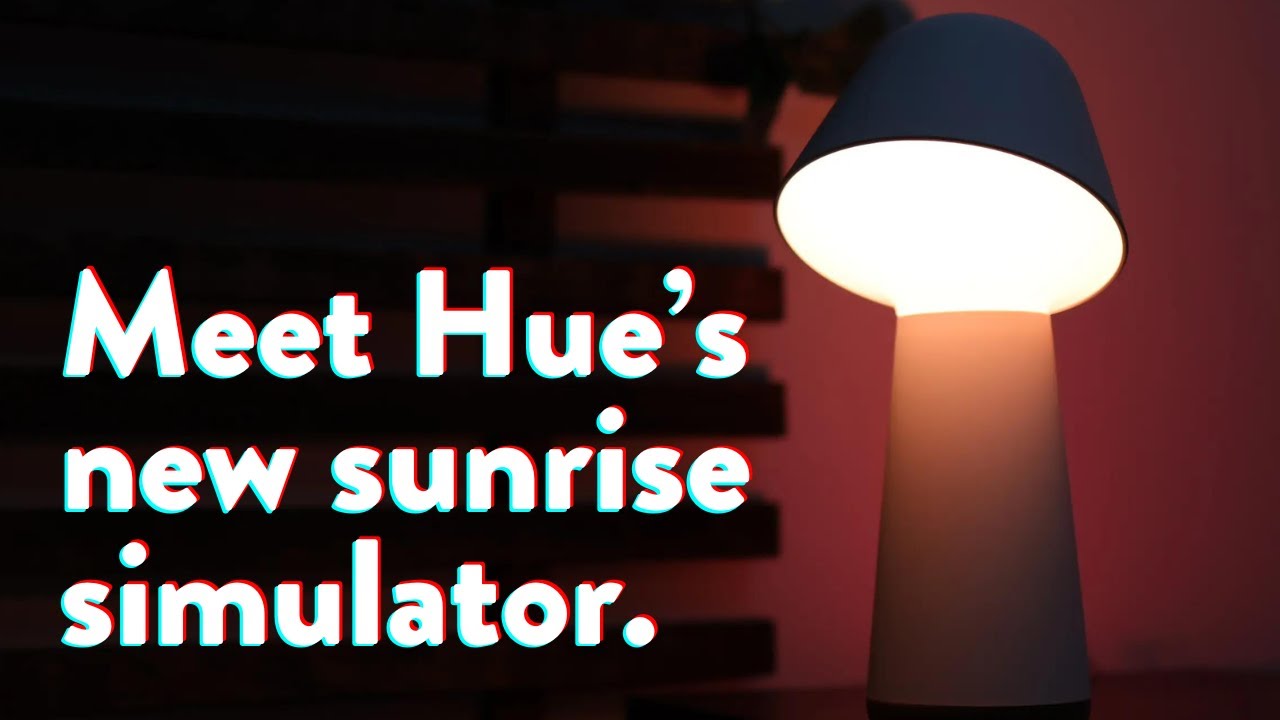
We just got our hands on the Twilight, Hue’s new solution to a bedroom sunrise/sunset simulator.
In this article, we’ll review our testing results and my opinions after using it for a while.
The Overview
This is a excellent, pricey, sunrise simulator. The down-firing LEDs are unique among the sunrise lamp category, making this more potentially effective than others.
Couple that with its myriad of customizations and this is a good sunrise option for anyone with the money and comfort with smart devices in the bedroom.

Pros
Cons
Introducing the Hue Twilight
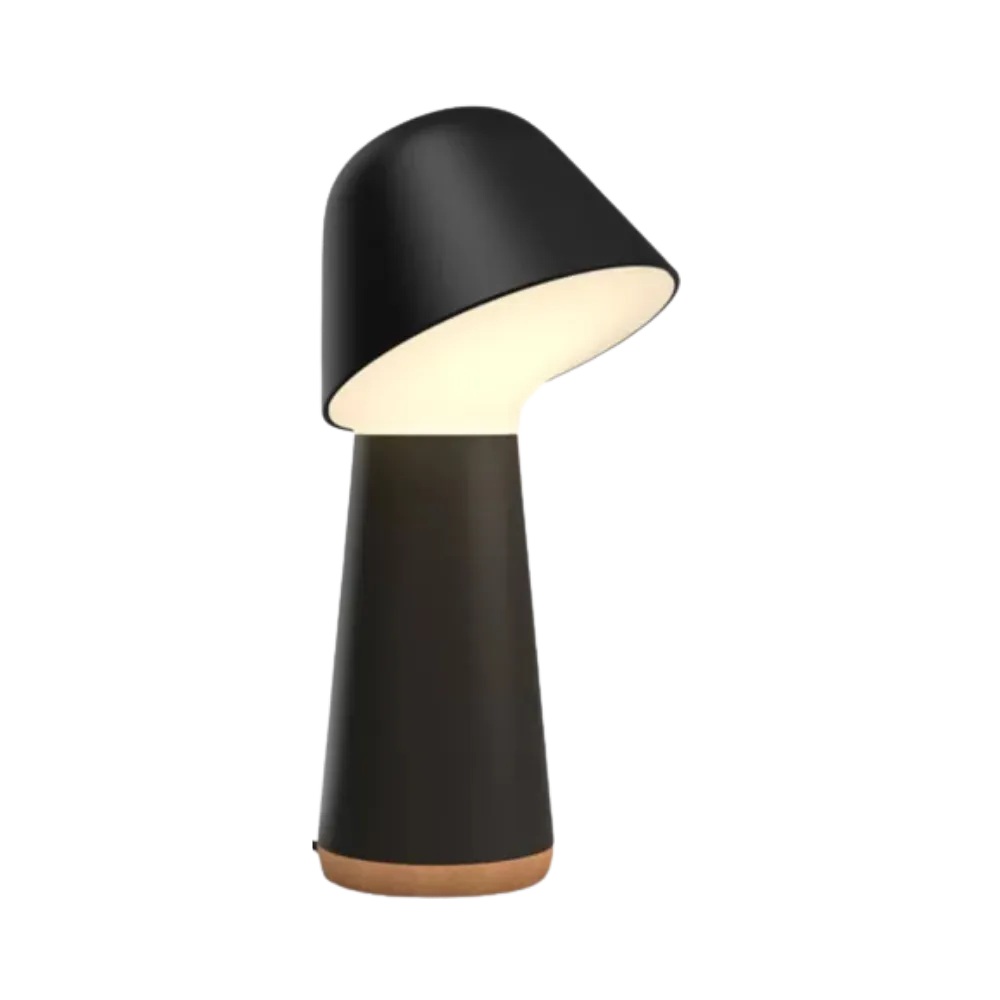
The design is a little phallic… although I like it (not because it’s phallic mind you).

The Twilight features an unusual down-firing lamp for its main sunrise effect. We’ll go over this more later, but this alone potentially makes it one of the more effective and useful sunrise lamps out there.
Free · 95 pages
You’re reading about one piece of this. The book is the whole day.
The Circadian Blueprint covers setting your body clock with light — the timing, the doses, and which products actually deliver them. Every number came off my own spectrometer.
Check your inbox to confirm. Plus a short note each month on what I’ve tested — unsubscribe anytime.

There’s also an LED array on the back that creates a more dynamic effect on the wall and helps to illuminate the rest of the room.

The Twilight comes in both a white and black version and has a minimal and modern appeal.


The bottom is made of cork which I thought was a nice touch:

The only controls are two buttons found on the top of the lamp:

The functions of these buttons can be changed within the Hue app, which we’ll review in a second. But here’s what they do out of the box:
- Hue Button
- Press: Starts “Go to Sleep” automation
- Hold: Stops “Go to Sleep” automation
- Dot Button
- Press: Cycles through “scenes”
- Hold: Turns off the lamp
Setup & App Features
To set up the Twilight lamp you’ll need the Hue app, which you’ll already have if you own any other Hue product. The great thing about Hue lights is they can be used over Bluetooth and don’t require the Hub. So you don’t need to buy that if you’re not already into the Hue ecosystem.
After pairing, the Twilight offers to control extra lights if you’d like:

After this you’ll be shown how to use the buttons:


Then you’re free to add and edit your sunrise automation and sunset timings by clicking on the automation tab at the bottom of the app.

Sunrise Automation
Let’s talk about setting up the sunrise.
Clicking on the wake-up automation, you’ll see timing, fade duration, maximum brightness (recommendations for this later), and how long the light stays on after it’s finished its sunrise.


You can set your sunrise duration anywhere from 10-30 minutes, and whether or not and how long you want the light to remain on after it completes its sunrise.

Sunset Automation
By default, the Twilight’s Hue button starts the “Go to sleep” automation. There are a few settings you can customize here:

The length of the sunset can now be set to 10, 20, or 30 minutes. You can choose to end this by turning the lights off, staying dimmed, or using a warm nightlight mode.


I think this is a nice feature.
Nightlight Mode
The Hue app also offers some other modes like “Nightlight” which I found quite pleasant.

At 6 inches, this mode only emits around 8 lux and contains almost no blue light.

Perfect for use at night.
Testing the Sunrise Simulation
The first thing we wanted to test was the Twilight’s total light output during its sunrise. For this, we placed it inside our integration sphere and ran a 30-minute sunrise.

After our test, we can see two things:
- At 100% output, the peak brightness of Twilight is much higher than that of all the other sunrise simulators we’ve tested.
- We see a very nice gradual curve, which I prefer for sunrises.
The Hue Twilight is unique in its sunrise effect. It starts at a dim blue, like a real sunrise, and slowly shifts to a warm 2000K before climbing back up to 2700 K.
Here we can see what that looks like:
Overall I think this creates a nice gradual sunrise effect that’s likely to work very well.
Testing Lux and Optimal Distances
But more important than its total output is its directional lux.
This is what you’ll need to know to fine-tune it for optimal waking.
To do this we placed the Twilight in front of our lux spectrometer and tested lux for various brightnesses every 6 inches.

We like to recommend folks start with a peak brightness of around 250 lux and adjust from there.

As you can see from this lux chart, at 1 foot away, you’ll want to drop the brightness down to around 60% to start, and perhaps up to around 80% once you get a foot and a half away.
One thing I appreciated about the Twilight design, is that it projects light down, while every other lamp projects horizontally.

This means that you’re more likely to get an effective dose in more head positions with Twilight than with other lamps.
Here’s a sped up video of the Hue Twilight sunrise:
Flicker
We checked the flicker on all of the lights we tested using a LabFlicker meter from Viso Systems.
This is so anyone with flicker sensitivities can make an informed decision.
The Twilight does have some high-frequency 4000 Hz flicker at full brightness, which shouldn’t be a concern for most people. It does increase quite a bit once dimmed:
But even still, this isn’t enough to bother most people in any way.

So unless you know you have issues with high-frequency flicker, I wouldn’t worry about this.
Overall Thoughts
What we’re primarily interested in here is whether or not this is a good sunrise simulator, and it is. You have plenty of sunrise customization options and scheduling, and the down-firing main LED module means that this lamp will be able to illuminate your eyes in more head positions than other lamps.
It emits tons of light, so much so that you’ll likely have issues with early waking if you use it at full brightness, but the slow ramp-up ensures that if you choose your peak brightness wisely it should wonders.
If you can stomach the cost, and the design, this is a great sunrise simulator.
Philips Hue
Twilight Sleep and Wake-Up Light
Compact and well-thought-out: small enough to fit any nightstand, a down-facing sunrise that may hit the eyes more effectively than upward-facing models, and deep customisation of sunrise settings.
Trade-offs are the higher price, app-required setup, no audio options, and EMF emissions if that matters to you.
-
Hatch Restore Review: Worth the Subscription? (Tested)
Is the Hatch Restore 3 the best sleep assistant? Our lab tests reveal the truth about its brightness, flicker, and whether Hatch+ is worth the cost.
13 minutes -
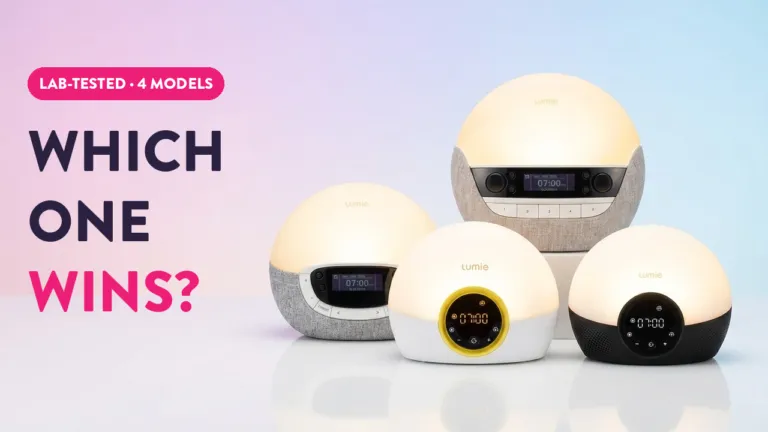
Lumie Bodyclock Review: Lab Tested (Shine vs. Luxe)
We tested 4 Lumie Bodyclocks. See the lux output, flicker analysis, and why the Shine 300 is the brightest but might not be the best choice.
9 minutes -
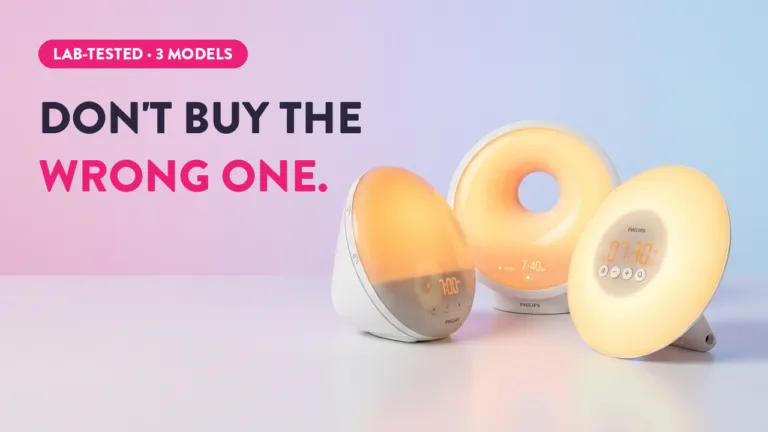
Philips SmartSleep Review: HF3500 vs. HF3520 vs. HF3650
Confused by the SmartSleep models? We tested all three. Compare lux, flicker, and alarm features to find the right Philips sunrise alarm for you.
7 minutes
Is it worth getting this over the Philips SmartSleep lamps? I have the (now discontinued, overpriced) app-controlled version, but it doesn’t work well as a bedside lamp, and I would like to program a nice mellow light in the evening before even going to sleep. I guess I would still have to figure out an audible alarm if I went for this lamp that should be synced with this lamp somehow…
The Twilight would be a great choice for that I think! But yeah no audio… I prefer it that way myself but if that’s something you want you’d have to figure that part out still.
I saw that this lamp emits EMF, but is it actually something to worry about? What are the downsides, and could it be an issue in certain situations?
Thanks beforehand
Hey Jorge, I think that’s personal desiccation most people have to make. EMF can certainly have biological effects, but many people are on a spectrum with avoidance, some won’t use wifi and have everything plugged in, some use it only during the day, some use weaker wifi, etc.
Many folks who are suspicious of EMF will keep it out of the bedroom, so in this case the Hue Twilight would be a no go, but that’s really up to you. Unfortunately the studies on EMF are rather difficult to parse and everything is transmitting differently so it’s very hard to tell what has what effect.
A few notes. I just received a Twilight today. Out of the box, it wasn’t capable of the blue-to-sunlight shift you mentioned. After pushing a firmware update, this feature became available. Under “advanced,” it only had one option, which was “transition to bright.” The rear light had sunrise, and “transition to bright.” Second, the options for fade-in are 10 minutes, 20 minutes, or 30 minutes. No options beyond that. You can set the wake time (though the UI is so atrocious that you can’t tell if that’s when the light is going to initially come on, or if that’s when the light hits maximum brightness), but there are no options for which days. It looks like you need to manually open the app and set the wake routine to on every time. Finally, there is no option for maximum brightness, which is perplexing because on the “wake-up routine” (there are no automations) I can’t imagine the maximum brightness being bright enough to wake me up. I CAN get brighter in the manual settings, but apparently not as part of a “routine.” Also, routine? FFS, just call it “alarm” or “wake up time.” That’s the ENTIRE USE CASE FOR THIS!!!!
Overall, back in the days when I was a software quality assurance manager, I would have told the UI designers that I’d desk-reject the release based on the spec alone. Given that the light is $280, I’d recommend nobody buy it based on the lousy functionality. I mean, in 2025, you should be able to program different alarm times for different days of the week. From a coding perspective this is not rocket science, it’s just all basic intro to computer programming stuff.
Not your fault, it seems like Philips did something to cripple the app since you did the review. Obviously, they aren’t paying much to whomever they are farming this app out to because it’s objectively terrible. It is not hyperbole to say that a first-semester user experience major could design a better app before the first lecture.
Also… HOLY BUGS BATMAN!!! So, either they didn’t put green LEDs in the main front light and just did some whackadoodle math, or my unit is wired wrong, or someone loaded red LEDs in the automation unit, but when I edit the light and drag the front light from center (4000ºK) to the green, as you get closer to the green edge it goes from white to red. Does yours do the same?
Okay, ignore the last comment. My unit is defective, green LEDs not functioning on the front lamp. It’s going back. The comments about the app stand.
Odd! Yeah it does sound like the app changed a LOT since I reviewed this… I don’t recall having many issues using it, sounds like they really over complicated it indeed. Sorry to hear about your troubles with it Joe!