
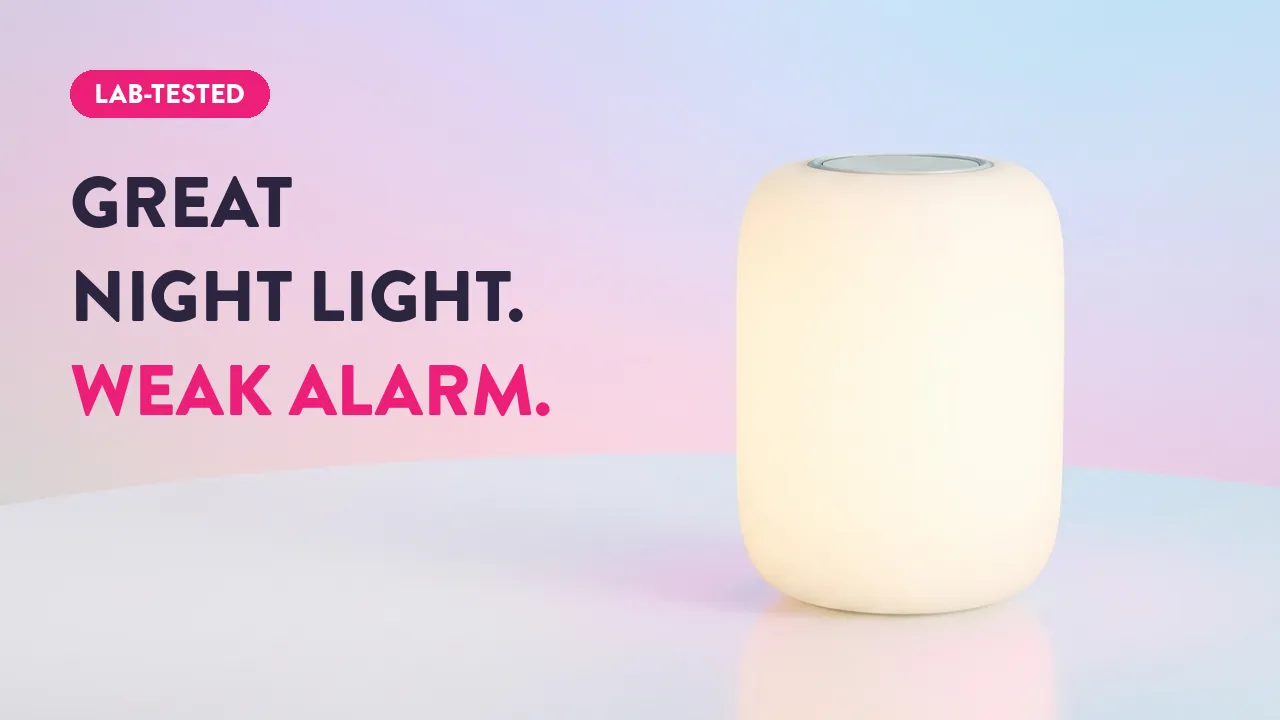

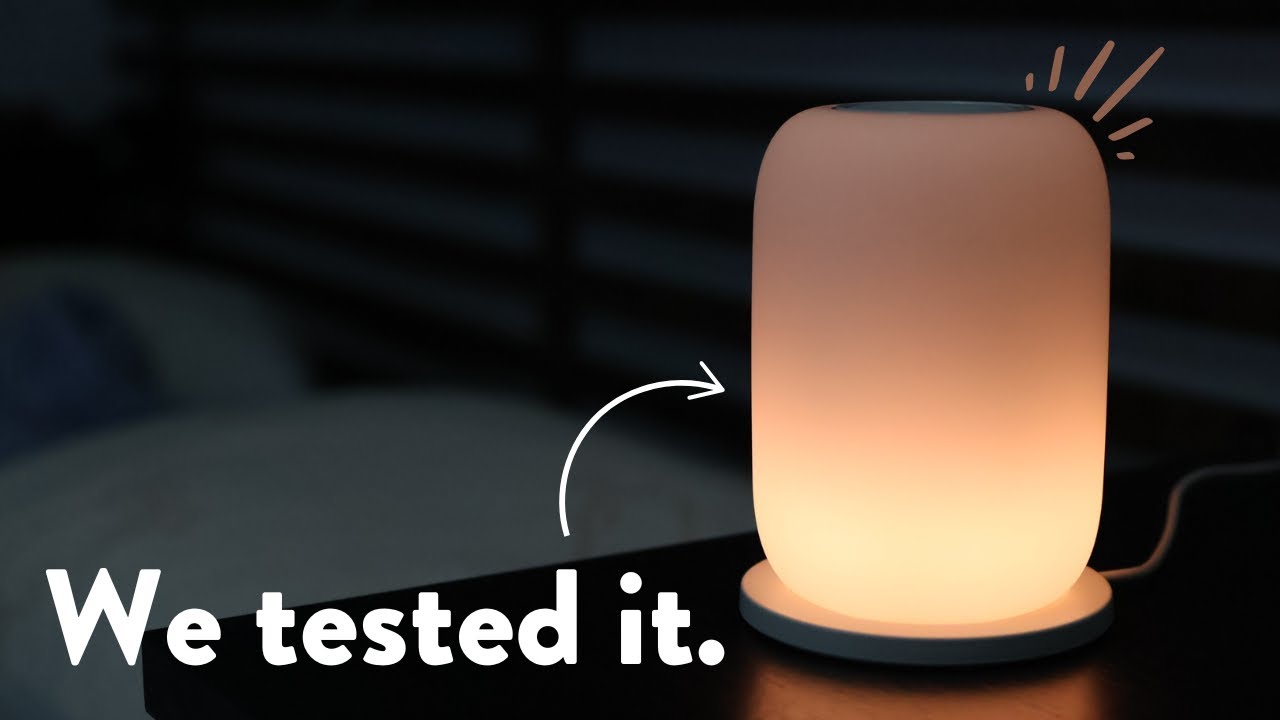
I’ve used the Casper Glow for a little while now and put it through our usual battery of tests!
If you’re on the hunt, check out our best sunrise alarm clock list! →

Let’s jump right in and see if this is the lamp for you or if there are better options out there…

My verdict
Casper Glow Light
Very small, portable, and simple. Not as bright as I'd like. A great option for anyone who wants a travel-friendly sunrise alarm clock or is short on space. Had some issues with buggy operation here and there, and the Android app seems like a crapshoot. Overall, it's okay, but it could be much better.
- Pro: A small footprint makes it work well in tight spaces and is perfect for travel
- Pro: Neat gyroscopic dimming features
- Pro: Portable and battery-powered is cool and unique
- Con: The apps are not well-supported
- Con: It can be buggy occasionally, not responding the way it should
- Con: No audio options
- Con: Not very bright compared with other sunrise alarms
What is the Casper Glow?
The Casper Glow is a small sunrise alarm clock that can also function as a portable night light and even has a simple wind-down function.

The Glow comes with the lamp, charging base, and the instruction manual:

Free · 95 pages
You're reading about one piece of this. The book is the whole day.
The Circadian Blueprint covers setting your body clock with light — the timing, the doses, and which products actually deliver them. Every number came off my own spectrometer.
How to Use the Glow
Let’s go over the Glow’s features and how to use them.

The App
One of my issues with the Glow is the app support…
The Apple app was last updated 5 years ago and has 3.9 stars, while the Android app was last updated Feb 2020… so it’s been abandoned.


With that being said it worked well enough for me on my iPhone, I’ve just not heard good things about the Android version!
Connecting and Setup
Connecting the Glow went flawlessly, I did have to let it charge for 20 minutes or so first though.
After that, you get access to the main screen:

From here you can edit your sunrise alarms, group two or more lights together, or edit the wind-down timing and brightness.
Sunrise Scheduling
The Glow has rather simple sunrise settings. You can’t change the duration or peak brightness.
But it does have scheduling!
So if you have a hectic work schedule, this feature alone may make this a worthy buy since even some of the more expensive Lumie BodyClocks and Philips SmartSleep lamps are more limited in this capacity.


One thing I wasn’t a big fan of is you can only set the sunrise to “linger” for up to 30 minutes, after this, it will shut itself off.
Using the Wind Down Feature
If your Glow is off, flipping it over will trigger the wind-down routine. This just means it will turn on and begin to slowly dim until it shuts off. Pretty simple.

I wasn’t a big fan of this because even while setting the “overall brightness” as low as it will go, I still found it too bright late at night. I found I had to immediately dim it somewhat.
However, dimming is quite easy… and it is probably the coolest part about this lamp!
Dimming and Nightlight Mode
To dim the Glow you simply twist it counterclockwise! You can even do this in midair, kinda feels like magic.

You can also use the Glow as a middle-of-the-night nightlight. Just reach over, pick it up, and give it a shake, it should glow faintly and you can now walk around the house with a little nightlight to guide you way.
We tested the nightlight in our integration sphere and it gave off less than 1 lumen! So I wouldn’t worry about it disrupting your circadian rhythm.
Testing the Sunrise Feature
We put the Glow through our usual testing with both our lumen integration sphere as well as our distance lux tests to see how it faired spectrally.

Here’s what the sunrise looks like!
Here’s the spectral output of the sunrise if you’re curious:

It looks like the Glow starts off as a warm 1700K light and over 10 minutes or so peaks and maintains at around 2600K. Not bad for a sunrise effect!
Total Brightness
But what about the brightness?
We measured the Glow to peak at 220 lumens, which is decent for a sunrise alarm clock, but since it projects it’s like all over the lux isn’t quite as high.
Here’s the ramp-up graph:
Output by time. Glow Light ramp length 30 min.
See the numbers
Glow Light
- Ramp length
- 30 min
The Glow has a decent S-shaped sigmoidal curve which is what I like to see on sunrise simulators as this mimics the light curve of a real sunrise.
How Far Away Should You Be?
We always recommend starting at around 250 lux with sunrise simulators.

With the Casper Glow, this is at around 10 inches way or so.

Overall: The Glow’s sunrise is a bit simplistic, but it’s not bad.
Testing the Flicker
The Glow performs reasonably well in the flicker department.
At 100% brightness, we detected next to no flicker at all. However, once you drop it down to around 50% we begin to see a potentially concerning waveform pattern emerge:
A flat line at the top means steady light; dips mean flicker.
Light output by time. Full brightness, Brightness percent flicker ; Full brightness, Brightness frequency ; Full brightness, Brightness ieee 1789 ; 50%, Brightness percent flicker ; 50%, Brightness frequency ; 50%, Brightness ieee 1789 .
See the numbers
Full brightness, Brightness
- Percent flickerHow far the light dips from its brightest, as a share of the total. Under 1% is steady to the eye.
- Not measured
- Frequency
- Not measured
- IEEE 1789The flicker safety guidance for lighting: how deep the flicker is, for its frequency.
- Not measured
50%, Brightness
- Percent flickerHow far the light dips from its brightest, as a share of the total. Under 1% is steady to the eye.
- Not measured
- Frequency
- Not measured
- IEEE 1789The flicker safety guidance for lighting: how deep the flicker is, for its frequency.
- Not measured
This waveform hits the “low effect” range in the IEEE 1789 flicker risk standard:
So if flicker is a concern you may want to avoid this one.
My Overall Thoughts and Experience
I loved the gyroscopic dimming and portable night light feature and the sunrise itself isn’t too bad!
However, I did experience some issues with it acting a bit strange now and then which kind of soured the experience.

The glow also has 3.4 stars on Amazon and 3.8 stars on Caspers’s website, so it appears as though I’m not the only one. Couple that with the Android app’s 2.9 stars and the Apple app’s 3.9 stars and we can see that the overall experience with Glow can be hit or miss.
My experience, however, was mostly positive. If you don’t have a lot of space or want a sunrise alarm clock that you can travel with, the Casper Glow is one of the best options out there.
Casper Glow Light
Niche travel pick: small footprint fits tight spaces, gyroscopic dimming is a genuinely clever touch, and the portable battery-powered design is unique in this category. Trade-offs are real — poorly supported apps, occasional buggy behaviour, no audio options, and noticeably dimmer output than dedicated sunrise alarms.
Keep reading
 Sunrise Alarms
Dreamegg Sunrise 1 Review: Hatch Looks, Under a Quarter of the Light
 Sunrise Alarms
Rise Centered Sunrise Alarm Clock Review: Gorgeous, and Dimmer Than You Think
 Sunrise Alarms
Philips Hue Twilight Review: The Ultimate Sleep Lamp?
 Sunrise Alarms